How to Save and Resume a Streaming LLM Response After a Client Disconnect
November 16, 2026 | 6 minutesIn This Post
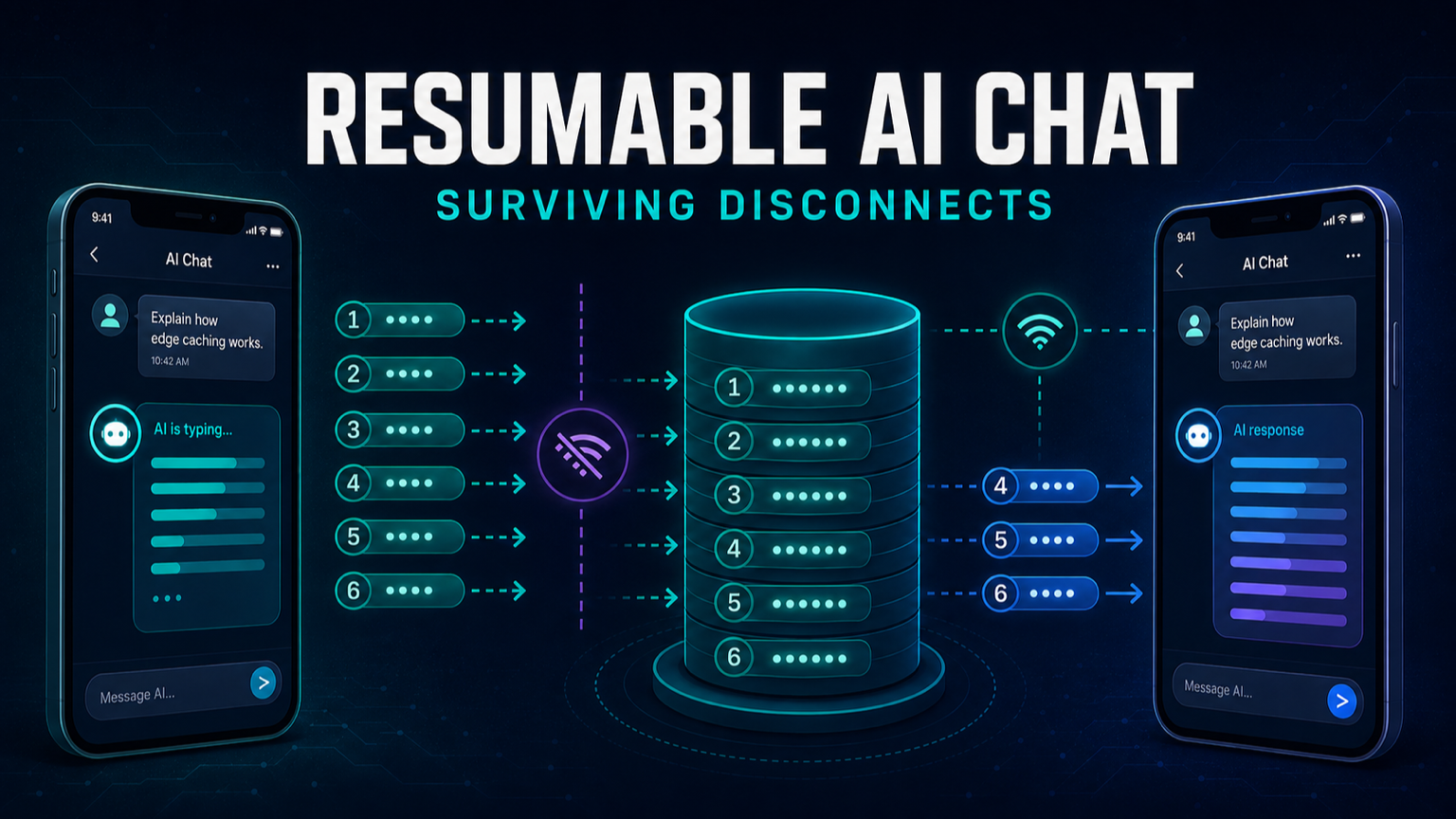
Imagine you're reading a chat response on your phone when you lose Wi-Fi. You can see part of the message and when you reconnect, you'd like to pick up where you left off. How does the browser know which part of the message you missed?
In How to Resume an AI Chat After the User Goes Offline, I described how the server can keep generating an answer while the browser is disconnected. In this post, we'll try it with a small demo. The browser builds the answer one piece of text, or chunk, at a time. Beside the transcript, the demo shows an event log. Each event is a numbered entry: event 5 carries the chunk "Meanwhile, ", and the final done event marks the end of the answer without adding any text. When the demo pauses before adding "Meanwhile," to the transcript, you can watch the two sides fall out of sync. Reconnect and you can see them sync back up.
The browser keeps track of the last event it applied. Its sequence number is the cursor. Let's watch a successful reconnect first, then change when the browser updates its cursor and see what happens to the same answer.
Disconnect the browser midway through an answer
- Open the disconnect demo.
- Leave Simulate a bug: advance the cursor too soon unchecked.
- Click Start generation. The transcript pauses automatically just before it adds the chunk from event 5. It reads "The browser went offline."
- Watch the event log for a few seconds. New words keep appearing while the transcript is paused.
- Click Reconnect to see the missing words appear in the transcript.
Optional: Run the HTTP and SQLite version locally
The hosted demo simulates the generator and its log in your browser. To follow the same examples through a real streaming request and inspect the SQLite rows, run the local example with Node.js 25.
1git clone https://github.com/rdeprey/resumable-llm-stream.git 2cd resumable-llm-stream 3node server.mjs
Both versions use the same predictable sentence, so you don't need a model API key.
In the local version, disconnecting closes the HTTP request that delivers the answer. The panel on the right reads the event log through a separate request, so you can still watch new rows appear in SQLite while the transcript on the left is paused.
How to persist a partial LLM response when the client disconnects
Where do those new rows come from? Clicking Start generation sends a single POST /runs request that triggers the server to assign the generation an ID and start a background task to read the model output. This background task continues running regardless of whether the browser remains connected.
Whenever the model returns a chunk, the background task saves it in an event with the next sequence number. When the model finishes, the task saves one final done event.
1for await (const text of model()) insert.run(id, ++seq, "chunk", text); 2insert.run(id, ++seq, "done", "");
For simplicity, our stand-in for a model returns the same sentence every time, with 800 milliseconds between chunks. To use a model provider, replace simulatedModel in server.mjs with an async generator that returns the text deltas from one provider request.
How to resume an LLM stream after a brief disconnect
On reconnect, the browser sends its cursor to the server, which uses it to find everything the browser still needs.
In the demo, check Disconnect before applying event 5 and click Start generation. The first streaming request uses /events?id=<id>&after=0, so the server starts with event 1. The browser then adds four chunks to the transcript, disconnecting before applying event 5. Clicking Reconnect requests the same generation with after=4, so the server sends event 5 again, and the browser picks up with "Meanwhile,".
Both requests use the same query:
1SELECT seq, kind, text FROM events
2WHERE id = ? AND seq > ?
3ORDER BY seq
The server sends each row as a newline-delimited JSON object, like {"seq":5, "kind":"chunk", "text":"Meanwhile, "}. When it catches up to the background task, it checks the database again after 40 milliseconds. That lets the same request deliver the words the browser missed plus any new words the model produces. If the model finished while the browser was disconnected, the saved done row tells the browser it's all caught up.
What happens if the browser advances the cursor too soon?
In the first run, "Meanwhile," appeared as soon as we reconnected. The browser had added four chunks to the transcript, so asking for everything after event 4 gave us exactly the text we needed.
Let's run the same interruption again but change the cursor. This time, when the browser receives event 5, we'll let it move the cursor to 5 before it adds "Meanwhile," to the transcript.
- In the demo, check Simulate a bug: advance the cursor too soon.
- Click Start generation. When the transcript pauses, it still says "The browser went offline." Compare the cursor with the first run: it now reads 5.
- Click Reconnect. The transcript picks up with "the server kept the rest of the answer." You can still see "Meanwhile," in event 5 in the log, but it's missing from the sentence.
When you click Reconnect, the browser uses the cursor to decide which event to replay first. A cursor of 4 means "I've finished event 4. Give me event 5 next." Here's what that means for the two runs you just tried.
| At the moment the demo pauses | Bug unchecked | Bug checked |
|---|---|---|
| Last word in the transcript | offline. | offline. |
| Saved cursor | 4 | 5 |
| First event replayed on reconnect | Event 5 carries "Meanwhile," | Event 6 carries "the" |
Both runs pause just before state = apply(state, event) would add "Meanwhile," to the transcript and move the cursor to 5. With the bug unchecked, those two changes happen together when event 5 is replayed.
Checking the box makes one extra line run before the pause: state = { ...state, cursor: event.seq }. That line records event 5 as finished while its word is still waiting to be added. On reconnect, the browser starts at event 6, exactly as the cursor tells it to. That's how "the" ends up immediately after "offline." even though "Meanwhile," is still in the event log.
The example tests check that the browser recovers the exact sentence and that the model was called only once. That second check matters here: starting over would produce the same sentence, even if replay were broken.
When I look at the two panels, the number I care about is the last event the browser applied. The server can be ten words ahead. As long as it keeps those words and the browser can accurately say where it stopped, catching up is just a database read.